Shopify Billing API Is Legacy: Use Shopify App Pricing for App Submission
Shopify has marked the Billing API as legacy. Here is what app developers need to know about Shopify App Pricing, app submission, migrations, and billing checks.

What Changed
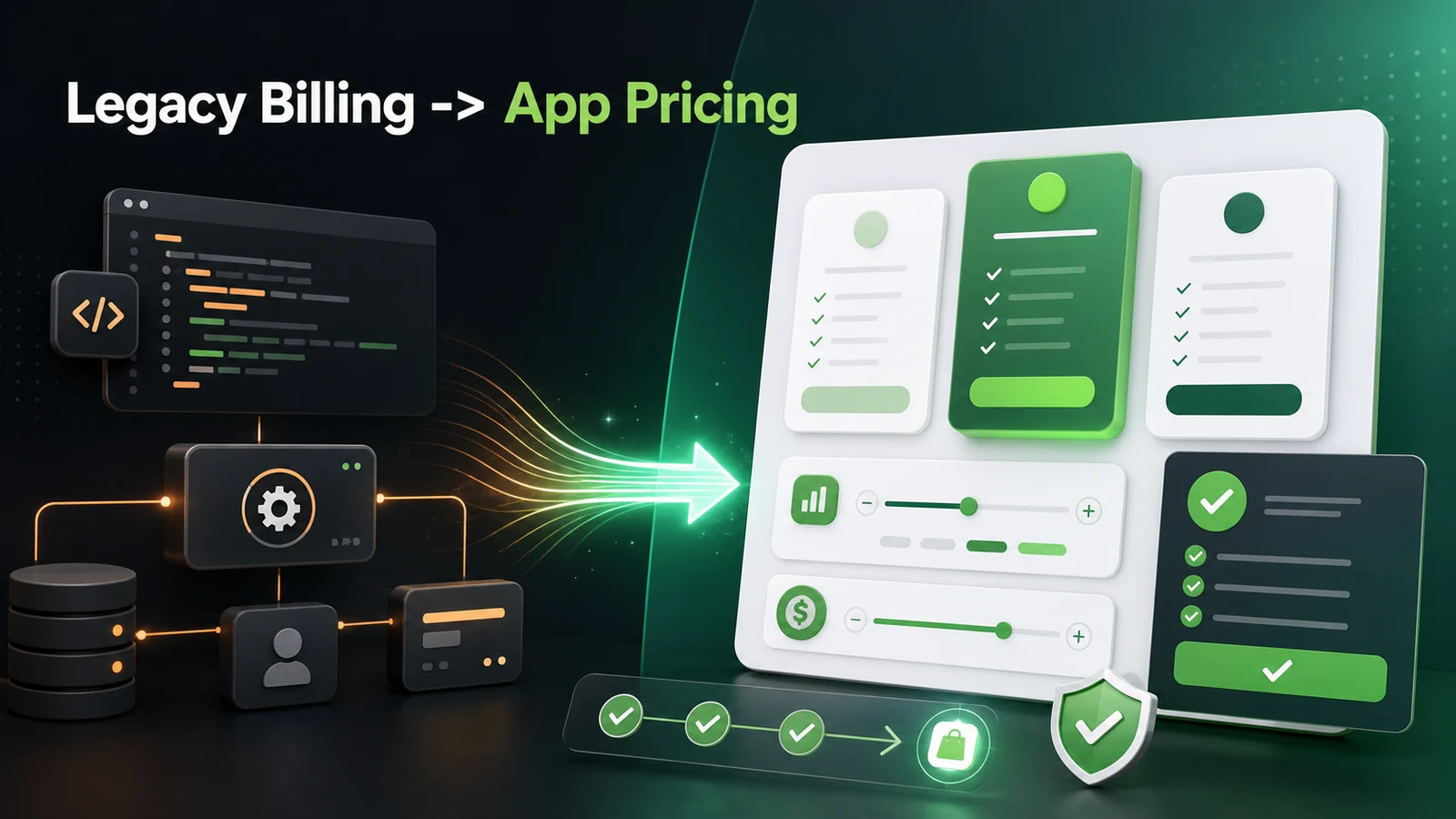
On May 12, 2026, Shopify announced that Managed Pricing is now Shopify App Pricing and that Shopify App Pricing is the default billing solution configured during app submission in the Partner Dashboard.
The important line for developers is this: the Billing API continues to function, but it is now legacy. Shopify says apps should use Shopify App Pricing going forward.
This matters because billing is not just a payment detail during review. Billing touches install flow, plan selection, merchant approval, charge retries, downgrade behavior, support burden, revenue share, and whether your app can be listed in the Shopify App Store at all.
Shopify App Pricing vs Billing API
Use this comparison when choosing the billing path:
- Setup: Shopify App Pricing is configured in the Partner Dashboard during app submission. Billing API flows require your app to create charges and handle approval logic.
- Merchant plan page: Shopify App Pricing uses a Shopify-hosted plan selection page in the admin. Billing API apps usually own more of the billing UI and redirect flow.
- Best fit: Shopify App Pricing fits most new public apps. Billing API is now a legacy path for existing apps and edge cases.
- Subscription status: Shopify App Pricing points developers to the Partner API Active Subscription query. Billing API apps often depend on Admin GraphQL billing objects and app installation queries.
- Usage billing: Shopify App Pricing uses App Events API meters. Billing API apps use usage records on subscription line items.
- Review risk: Shopify App Pricing lowers custom billing surface area. Billing API apps need more testing around charge approval, reinstall, and plan changes.
For most new public apps, Shopify App Pricing is easier to reason about because Shopify owns the merchant-facing plan selection page and common billing mechanics. That reduces the amount of custom code you need to defend during App Store review.
Why This Matters for App Store Submission
Shopify App Store requirement 1.2 is still the baseline: apps that charge merchants must use Shopify App Pricing or the Shopify Billing API. Off-platform billing is not allowed for App Store distribution unless Shopify has explicitly told you otherwise.
The review-sensitive part is not just "does the app charge money?" It is whether the merchant can complete the billing lifecycle without broken flows.
A reviewer should be able to:
- Install the app and understand the pricing.
- Select a plan through Shopify's billing system.
- Accept or decline a charge without the app breaking.
- Reinstall the app and request approval again when needed.
- Upgrade or downgrade without contacting support.
- See pricing that matches the App Store listing.
- Avoid any hidden off-platform payment request.
If your app still has custom billing code, this is where bugs usually show up. A stale billing.check() path, missing reinstall state, or broken downgrade route can become a review blocker even when the actual product works.
What New Apps Should Do
If you are building a new public app, start with Shopify App Pricing unless your pricing model is unsupported.
The clean submission path looks like this:
- Define public plans in the Partner Dashboard.
- Add a private test plan for development and QA.
- Configure the hosted plan selection page and redirection URL.
- After redirect, verify subscription state with the Partner API.
- Use App Events API for usage meters if the app has usage-based billing.
- Keep pricing copy consistent across app UI, App Store listing, onboarding, and docs.
- Test install, approve, decline, uninstall, reinstall, upgrade, downgrade, and frozen-store states.
The goal is to make billing feel boring. Reviewers and merchants should not have to interpret custom pricing logic when Shopify already gives you a standard billing surface.
What Existing Billing API Apps Should Audit
Existing apps should not rip out Billing API code blindly. First map every billing dependency.
Start with these areas:
- Subscription checks in middleware, loaders, and app home routes.
- Billing prompts that call
billing.check()or querycurrentAppInstallation. - Webhooks like
APP_SUBSCRIPTIONS_UPDATEandAPP_PURCHASES_ONE_TIME_UPDATE. - Usage record creation and capped amount warnings.
- Custom plan handles stored in your app database.
- Reinstall logic for shops that previously declined or canceled.
- App Store listing pricing versus in-app pricing copy.
- Support docs that still mention old charge approval screens.
For many apps, the first real migration step is not changing plans. It is changing where subscription truth comes from.
New Subscription Truth: Partner API
With Shopify App Pricing, Shopify points developers toward the Partner API for current subscription state and billing history.
For current subscription state, use activeSubscription(appId:, shopId:). This is the canonical "what plan is this merchant on right now?" query for Shopify App Pricing.
For historical billing events, use the Partner API events query. That is where installs, uninstalls, plan changes, cancellations, freezes, charges, credits, earnings, and usage events can be tracked.
query ActiveSubscription($appId: ID!, $shopId: ID!) {
  activeSubscription(appId: $appId, shopId: $shopId) {
    billingPeriod
    cancelAtEndOfCycle
    trialEndsAt
    currentBillingCycle {
      startTime
      endTime
    }
    items {
      handle
      description
      price {
        __typename
      }
      usage {
        quantity
      }
    }
    pendingUpdate {
      billingPeriod
      items {
        handle
      }
    }
  }
}
This is the shift Shopify app developers need to internalize: the app's billing source of truth is moving away from Admin API charge objects and toward Partner API subscription state plus event history.
Migration Paths by App Type
Not every existing app has the same migration path.
Use the current billing model to decide the migration work:
- Managed Pricing: Treat it as Shopify App Pricing and update subscription queries where needed.
- Billing API with simple monthly/yearly plans: Review plan handles, use Partner API subscription checks, and prepare migration when useful.
- Billing API with one-time charges: Review whether a usage-only model can replace the purchase flow for future charges.
- Billing API with one-time plus recurring charges: Move recurring logic toward App Pricing and map one-time behavior carefully.
- Billing API with usage-based billing: Document current meters, rates, caps, and wait for Shopify migration tooling if active usage charges need remapping.
Usage-based apps need the most care because Shopify App Pricing uses App Events API meters instead of the old capped-amount usage record pattern. Shopify also says usage caps are not currently supported in Shopify App Pricing, so apps that rely on caps need a product decision, not only a code change.
What Not to Do
Do not frame this as "the Billing API is removed." That is not accurate. Existing active charges continue.
Do not keep off-platform billing as a fallback for public App Store apps. That is a review risk.
Do not build a custom plan page that competes with Shopify's hosted plan selection page unless you have a clear reason.
Do not depend only on redirect parameters for all billing lifecycle state. Redirects help after plan selection, but cancellations, freezes, and later subscription changes need Partner API checks.
Do not wait until App Store review to test billing. Billing errors are some of the easiest review blockers to avoid if you test the lifecycle early.
Submission Checklist
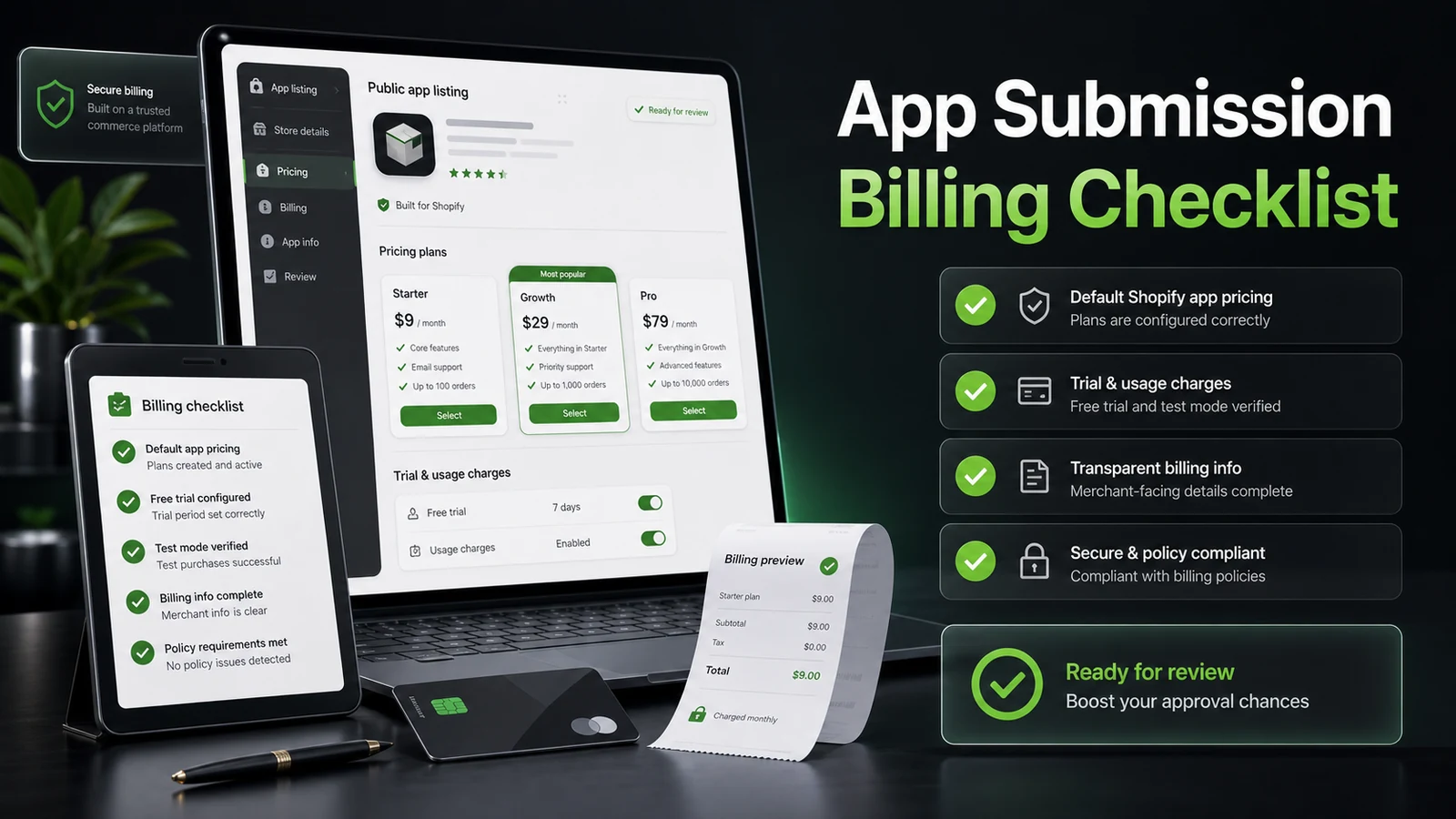
Before submitting a paid app, run this checklist:
- Shopify App Pricing is selected unless the app has a documented unsupported billing case.
- Pricing plans in Partner Dashboard match the App Store listing.
- The private test plan works on a development store.
- The app verifies subscription status after the hosted plan selection redirect.
- Upgrade and downgrade flows work without support.
- Reinstall after decline or cancellation requests approval again correctly.
- Frozen, canceled, and pending subscription states are handled.
- Usage-based billing uses meters and event reporting where applicable.
- No screen asks merchants to pay outside Shopify.
- Support docs and onboarding copy match the actual billing flow.
If all of that works, your app submission is in a much better place than an app that technically creates charges but leaves the merchant guessing.
Internal Links
If you are preparing a Shopify app submission, these related guides are worth reading next:
- Shopify's New API Rate Limits 2026: What Developers Need to Know
- Shopify Expiring Offline Access Tokens: What Every App Developer Needs to Know Before April 1, 2026
- Shopify Checkout Extensibility Deep Dive 2026
- I Let AI Build My Shopify App: Inside ExemptSync
Sources
Want this built for you instead of DIY?
I'm Karan — a Top Rated Plus Shopify Expert ($300K+ earned, 100% Job Success). If you'd rather hand this to someone who's done it hundreds of times, let's talk.
🛠️Shopify Development Tools You Might Like
Tags
📬 Get notified about new tools & tutorials
No spam. Unsubscribe anytime.
Comments (0)
Leave a Comment
No comments yet. Be the first to share your thoughts!