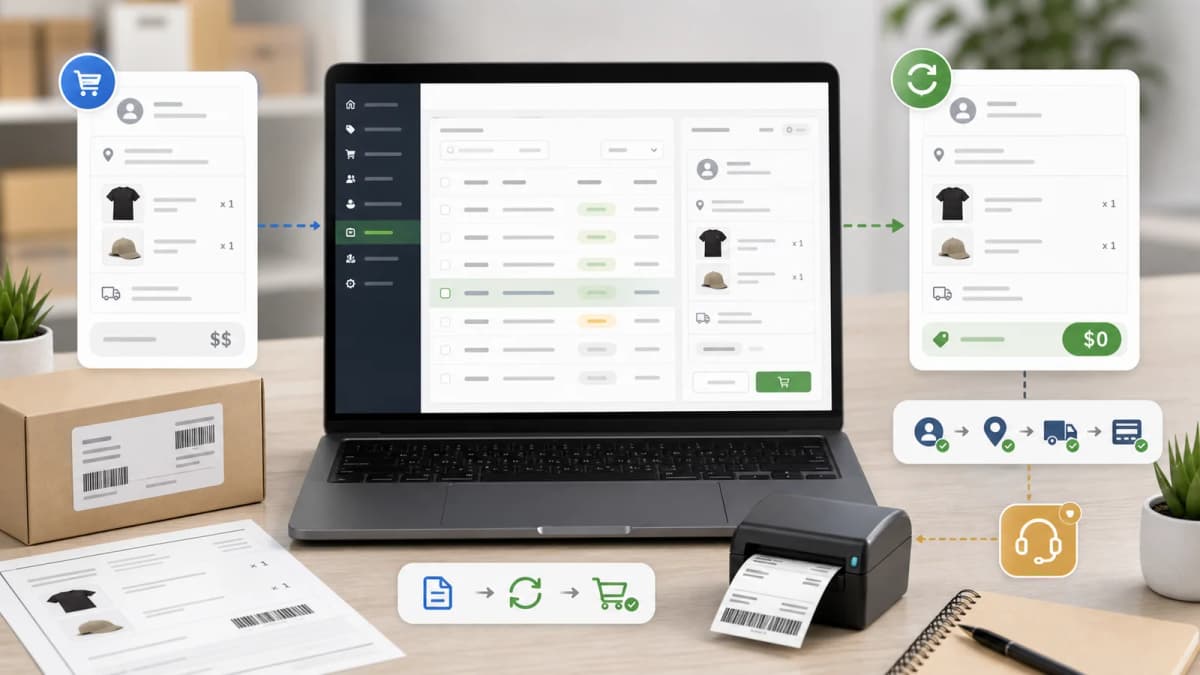
I Let AI Build My Shopify App: Inside ExemptSync
I gave Cursor + Claude full control for 48 hours. Here is what shipped — including ExemptSync, now live on the Shopify App Store. 70% AI-generated code, 30% human refinement.
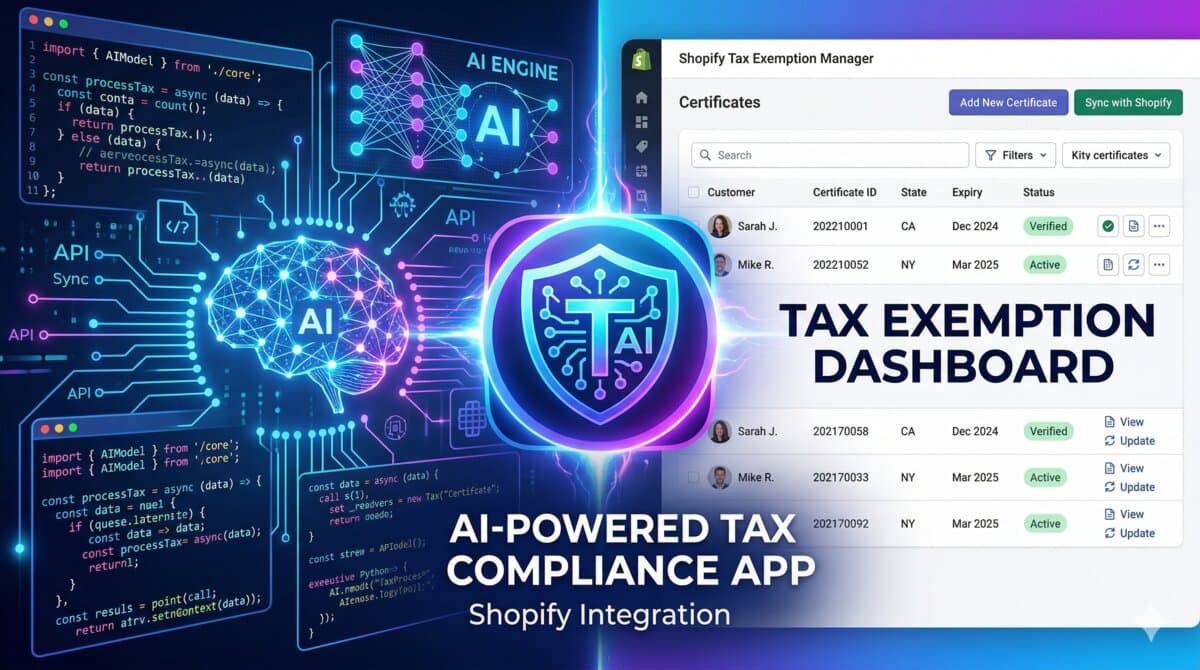
I gave Cursor + Claude full control for 48 hours. Here’s what shipped — including ExemptSync, now live on the Shopify App Store.
The Experiment
The challenge: Build a production-ready Shopify app without writing a single line of code myself. Everything — architecture, API calls, UI components, even commit messages — generated by AI.

The result: ExemptSync, now approved and live on the Shopify App Store.
The stack: Cursor (Claude Sonnet 4) for code generation, Shopify CLI for scaffolding, Remix + Polaris (Shopify’s standard), 48 hours of AI-driven development.
What ExemptSync Actually Does
Built for U.S. Shopify merchants dealing with tax-exempt customers:
- Branded portal — Customers upload certificates directly
- AI-powered OCR — Extracts data automatically from uploads
- Shopify sync — Approved exemptions sync to customer accounts
- Expiry tracking — Automated reminders keep you compliant
Free plan available. I built this because I was tired of hearing merchants complain about managing tax exemptions manually.
Hour 0–2: The Setup
Cursor generated a clean app.tsx scaffold. Shopify authentication wired up (OAuth handshake, session tokens) on the first attempt. Prisma schema for certificates, customers, and exemption records — all generated.
Verdict: AI understood Shopify’s auth pattern and generated working OAuth handshake on first try.
Hour 2–6: The Core Logic
What worked: Customer-facing upload portal, admin dashboard for reviewing submissions, basic file storage integration. All generated with minimal prompting.
What didn’t: AI suggested storing certificates in local filesystem (not scalable). Didn’t account for multi-state compliance rules. Tried to use deprecated Shopify API endpoints.
The fix: Had to intervene with ‘Use Shopify’s file API, not local storage. Use modern OCR service with fallback.’ AI corrected course immediately.
Hour 6–12: The UI
This is where AI shined. Polaris components are well-documented, and AI generated a complete admin interface — data tables, status badges, modal forms — that looked production-ready out of the box.
Hour 12–24: The Hard Part (OCR and Sync)
The challenge: Extract text from PDFs/images, parse certificate numbers and expiration dates, sync tax-exempt status to Shopify customer records.
What broke: Error recovery — AI didn’t handle OCR failures gracefully. Edge cases like blurry scans, multi-page certificates, and expired documents needed manual handling logic.
Time to fix manually: ~3 hours.
Hour 24–48: Polish and App Store Submission
Final deployment: Production-ready, privacy-compliant, App Store approved.
Verdict: AI gets you 90% there. The last 10% is security, compliance, and edge cases that require human judgment.
The Numbers
- AI-generated: ~4,200 lines
- Human-written: ~340 lines (security fixes + compliance + edge cases)
- Time: 48 hours total, ~8 hours of active human intervention
- Result: Approved on Shopify App Store on first submission
Should You Vibe Code Your Next Shopify App?
Yes, if: You’re prototyping or building MVPs. You know Shopify’s platform well enough to catch mistakes. You treat AI as a junior developer, not a replacement.
No, if: You’re submitting to Shopify App Store without security review. You don’t know Shopify’s compliance requirements. You expect zero human intervention.
Try ExemptSync
If you’re a U.S. Shopify merchant dealing with tax exemptions, install ExemptSync from the Shopify App Store.
- Free plan: 10 certificates/month
- AI OCR included
- Takes 5 minutes to set up
Built with 70% AI, 30% human paranoia about security.
Questions about the build process? Drop them below — happy to share what worked and what didn’t.
How I Would Audit This
For an AI-built Shopify app story, I would focus on the parts AI helped with and the parts it did not own. Scaffolding, UI drafts, boilerplate, and test data are good AI tasks. App review, billing, permissions, merchant UX, privacy, and edge-case handling need human review.
- List which modules AI generated.
- Identify which code was rewritten by hand.
- Document app permissions and why they are needed.
- Review billing and app submission requirements manually.
- Write down production bugs found after AI output.
Production Failure Modes
The risk in vibe coding is speed without accountability. A Shopify app can look complete locally and still fail review because billing, scopes, onboarding, privacy copy, or embedded app behavior is wrong.
- Scopes broader than the feature needs.
- Billing flow not aligned with app submission.
- No uninstall cleanup.
- OCR or sync edge cases not tested with messy merchant data.
- Generated UI copy that does not explain merchant risk.
Copy/Paste Starting Point
AI was useful for:
- Polaris screen scaffold
- Empty states and validation copy
- Test fixtures
- Repetitive API adapters

Human review stayed required for:
- Shopify app scopes
- Billing and submission
- Privacy copy
- Production sync failure handling
This is the honest split I would want readers to see. It is more useful than claiming AI built everything perfectly.
What I Would Ship First
I would add architecture notes and screenshots to make the post stronger over time. The current safe improvement is to state the review boundaries clearly.
- Add app architecture diagram later.
- Add approved App Store listing screenshot later.
- Document one real bug and fix.
- Show one safe code snippet.
- Explain what AI should not own.
Where this shows up in real stores
When I would review this in a client Shopify store, I would start with the operational surface instead of the headline. I Let AI Build My Shopify App: Inside ExemptSync only becomes useful when the reader can map it to a theme file, app setting, Admin API job, checkout rule, or storefront behavior they can actually test.
The useful version of this advice is the version that survives a real project: one example, one validation step, one known edge case, and one clear next action.
Merchant-safe review list
- Check the exact Shopify surface before changing code.
- Test with products that have missing images, long variants, empty metafields, and unusual prices.
- Confirm the change is visible in server-rendered HTML where SEO/AEO matters.
- Keep a rollback path for app or theme changes.
- Write a handoff note so the merchant team knows what can be edited safely.
What can break after launch
- The article sounds correct but does not explain what to edit in Shopify.
- The guidance ignores app conflicts, API versions, or messy product data.
- The change helps desktop screenshots but hurts mobile checkout.
- The page makes a claim that is not backed by visible content or schema.
Implementation note template
Implementation check for I Let AI Build My Shopify App: Inside ExemptSync:
1. Confirm the Shopify surface involved: theme, Admin API, checkout, app, or storefront.
2. Test with messy catalog data, not only a demo product.
3. Verify permissions, API version, and rollback path.
4. Record the production edge case this change protects.
The point of the block is not formality; it is to make the assumption, proof, and remaining risk visible.
Next useful store artifact
The best future improvement is evidence. A page becomes more defensible when readers can see the command, check, screenshot, metric, or source behind the recommendation.
Want this built for you instead of DIY?
I'm Karan — a Top Rated Plus Shopify Expert ($300K+ earned, 100% Job Success). If you'd rather hand this to someone who's done it hundreds of times, let's talk.
🛠️Shopify Development Tools You Might Like
📬 Get notified about new tools & tutorials
No spam. Unsubscribe anytime.
Comments (0)
Leave a Comment
No comments yet. Be the first to share your thoughts!