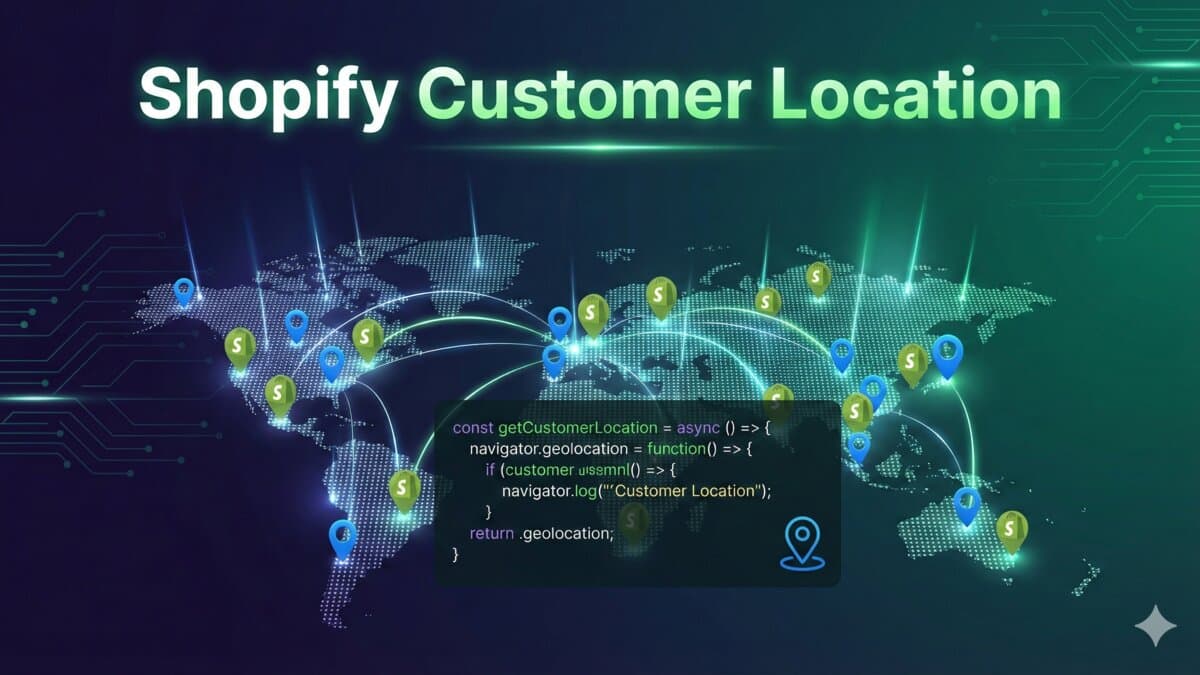
How to Get Customer Location in Shopify Using JavaScript
Learn how to retrieve customer location data in Shopify using JavaScript and the browsing_context_suggestions.json endpoint.
Introduction to Retrieving Customer Location in Shopify
As an e-commerce store owner or developer, understanding your customers' locations can be invaluable for personalizing their shopping experience, complying with regional regulations, and optimizing your marketing strategies. Shopify provides a straightforward way to achieve this through the /browsing_context_suggestions.json endpoint. In this blog post, we'll explore how to use JavaScript to fetch customer location data and make decisions based on their geographical location.
Understanding the /browsing_context_suggestions.json Endpoint
The /browsing_context_suggestions.json endpoint in Shopify returns data that includes the customer's browsing context, such as their detected location. This endpoint is typically used for suggesting relevant content or configurations based on the user's location or other contextual information.
Fetching Customer Location Data
To get started, you need to make a fetch request to the /browsing_context_suggestions.json endpoint. Here's a basic example of how to do this:
fetch('/browsing_context_suggestions.json')
  .then(response => response.json())
  .then(data => console.log(data));
This code snippet sends a request to the endpoint, parses the response as JSON, and logs the data to the console.
Parsing and Utilizing the Location Data
Once you've fetched the data, you can access the customer's detected country information. Here's how you can check if the customer is from the United States and perform actions accordingly:
fetch('/browsing_context_suggestions.json')
  .then(response => response.json())
  .then(data => {
    if (data.detected_values.country.handle === 'US') {
      // Perform actions for customers from the US
      console.log('Customer is from the United States');
    } else {
      // Perform actions for customers from other countries
      console.log('Customer is not from the United States');
    }
  });
Practical Applications
- Personalization: Display region-specific products, pricing, or promotions.
- Compliance: Ensure you're complying with regional laws and regulations, such as GDPR for European customers.
- Marketing: Tailor your marketing messages or currency based on the customer's location.
Conclusion
Retrieving customer location data in Shopify is a powerful way to enhance the shopping experience and tailor your store's behavior to different regions. By leveraging the /browsing_context_suggestions.json endpoint and JavaScript, you can easily implement location-based logic in your Shopify store. Whether it's for personalization, compliance, or marketing, understanding where your customers are from can significantly impact your e-commerce strategy's effectiveness.
Where this shows up in real stores
When I would review this in a client Shopify store, I would start with the operational surface instead of the headline. How to Get Customer Location in Shopify Using JavaScript only becomes useful when the reader can map it to a theme file, app setting, Admin API job, checkout rule, or storefront behavior they can actually test.
The useful version of this advice is the version that survives a real project: one example, one validation step, one known edge case, and one clear next action.
Merchant-safe review list
- Check the exact Shopify surface before changing code.
- Test with products that have missing images, long variants, empty metafields, and unusual prices.
- Confirm the change is visible in server-rendered HTML where SEO/AEO matters.
- Keep a rollback path for app or theme changes.
- Write a handoff note so the merchant team knows what can be edited safely.
What can break after launch
- The article sounds correct but does not explain what to edit in Shopify.
- The guidance ignores app conflicts, API versions, or messy product data.
- The change helps desktop screenshots but hurts mobile checkout.
- The page makes a claim that is not backed by visible content or schema.
Implementation note template
Implementation check for How to Get Customer Location in Shopify Using JavaScript:
1. Confirm the Shopify surface involved: theme, Admin API, checkout, app, or storefront.
2. Test with messy catalog data, not only a demo product.
3. Verify permissions, API version, and rollback path.
4. Record the production edge case this change protects.
The point of the block is not formality; it is to make the assumption, proof, and remaining risk visible.
Next useful store artifact
The best future improvement is evidence. A page becomes more defensible when readers can see the command, check, screenshot, metric, or source behind the recommendation.
For a shorter post, I would add depth through one tested example rather than filler. One good edge case or validation note is more useful than another generic overview.
- One real example from the workflow.
- One edge case that breaks the simple advice.
- One metric or signal to watch after the change.
- One clear action the reader can take today.
A real workflow example
For How to Get Customer Location in Shopify Using JavaScript, I would keep one concrete example in the page so the advice does not stay abstract. The example should show the starting state, the decision being made, the check I would run, and the signal that tells me the change worked. That makes the content more useful for readers and more defensible for SEO/AEO because it demonstrates practical experience instead of repeating a general claim.
- Starting state: what the store, app, workflow, or codebase looks like before the change.
- Decision point: what the reader needs to choose or fix.
- Validation: the command, screenshot, metric, support ticket, or QA step that proves the change.
- Risk: the edge case that could still fail in production.
- Follow-up: the next improvement I would make after the first pass is stable.
Store owner takeaway
Use this as a review path, not a slogan. Pick one real case, validate it, and keep the result visible for the next decision.
Review path for shopify-get-customer-location:
1. Pick one real example.
2. Apply the checklist.
3. Record before/after evidence.
4. Watch one metric or failure signal.
5. Keep or revert based on the result.Want this built for you instead of DIY?
I'm Karan — a Top Rated Plus Shopify Expert ($300K+ earned, 100% Job Success). If you'd rather hand this to someone who's done it hundreds of times, let's talk.
🛠️Shopify Development Tools You Might Like
Tags
📬 Get notified about new tools & tutorials
No spam. Unsubscribe anytime.
Comments (0)
Leave a Comment
No comments yet. Be the first to share your thoughts!