Claude Design Uses Your Plan, Not a Separate Bucket
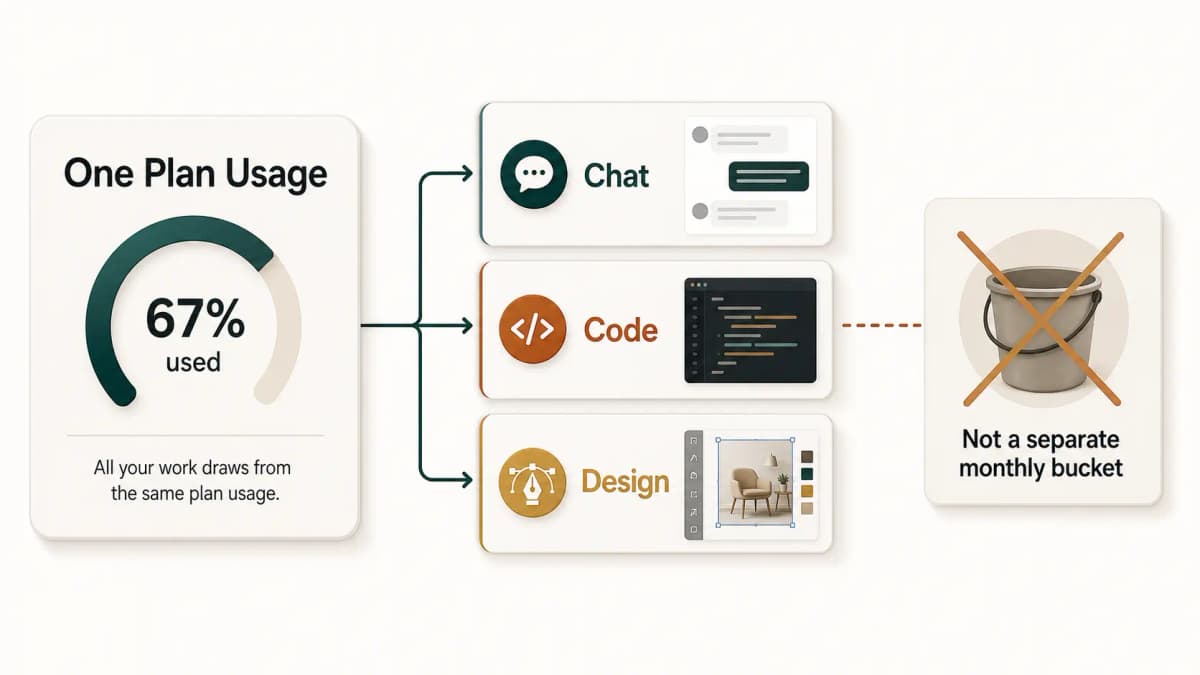
Claude Design uses your normal Claude plan limits, not a separate monthly design bucket. Here is what I noticed in real usage and Anthropic says officially.
The Short Version
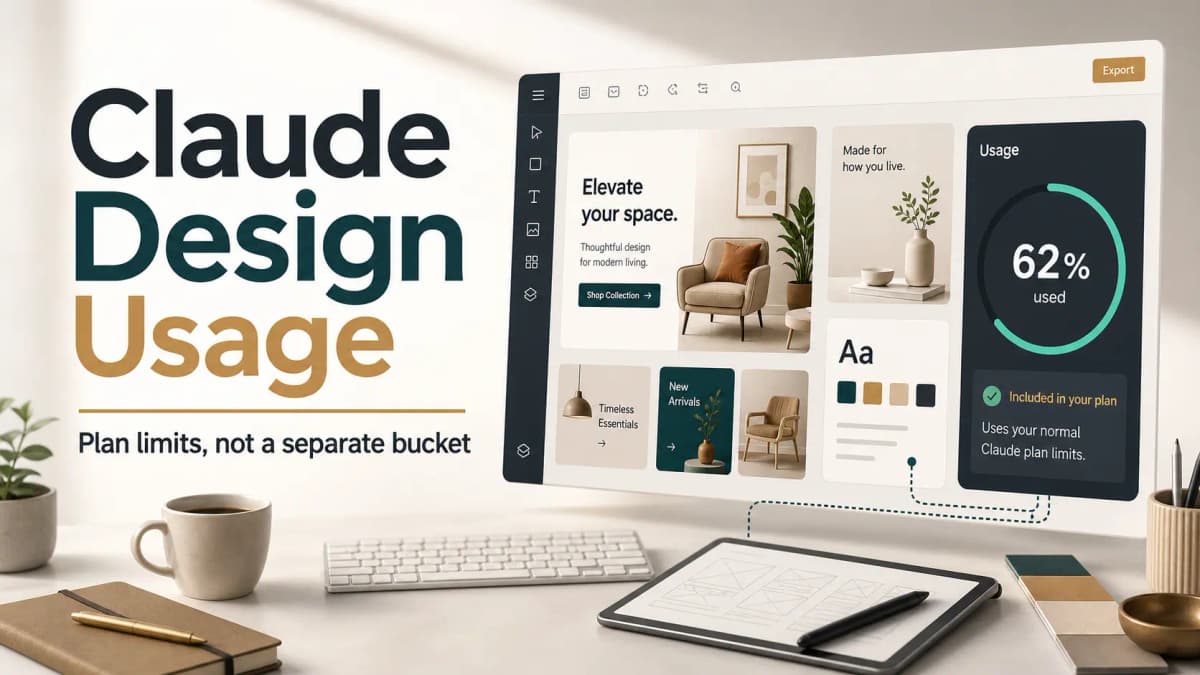
Claude Design does not look like a separate monthly usage bucket.
From my usage, it appears to draw from the same Claude plan usage limits that already apply to the rest of Claude. That matters because people may assume a design product has its own fixed monthly allowance, the way some tools separate image credits, design exports, or generation quotas.
I initially did not see many people explaining this clearly, but Anthropic's own Claude Design launch post says access is included with your plan and uses your subscription limits, with the option to continue by enabling extra usage. That matches what I have seen while using it.
So my practical reading is simple: Claude Design is included in the plan, but it is not "free unlimited design usage" on top of the plan.
Why This Is Easy to Miss
When a company launches a new AI design product, people naturally ask the pricing question first.
Is it a separate product?
Does it have separate credits?
Can I use it without touching my normal Claude allowance?
Does one design count like one message, one artifact, or something heavier?
Claude Design is still new enough that most people are learning by trying it. The product itself feels different from normal chat because you are creating visual work: prototypes, slides, mockups, one-pagers, marketing layouts, and other design artifacts. Because the output is different, it is easy to assume the billing or usage model is different too.
In my experience, that assumption is risky.
What Anthropic Officially Says
Anthropic announced Claude Design as an Anthropic Labs product for creating visual work with Claude. The launch post describes it as a tool for polished visual work such as designs, prototypes, slides, one-pagers, and more.
The important line for usage is in the get started section: Claude Design is available for Pro, Max, Team, and Enterprise subscribers, access is included with the plan, and it uses subscription limits.
That wording is the key. Included with your plan does not mean separate from your plan usage. It means the feature is part of the plan, while the work you do inside it still counts against the limits attached to that plan.
Anthropic's usage-limit help page also says your limits can vary based on factors like message length, file attachments, current conversation length, tool usage, model choice, effort level, and artifact creation or usage. Claude Design creates and edits artifacts, so it makes sense that heavy design sessions can consume more of your available usage than a short text-only chat.
What I Noticed While Using Claude Design
The main thing I noticed is that design work feels like normal Claude usage from a limit perspective.
If I use Claude Design heavily, I should expect it to affect the same plan capacity I rely on for writing, research, coding, and normal Claude chat. I would not treat it as a separate design-only allowance that resets independently.
That changes how I plan work.
If I am using Claude for client research, long writing sessions, Claude Code, and Claude Design on the same day, I need to think about the combined plan usage. A design session that involves multiple iterations, uploaded references, brand context, comments, and export-ready refinements is not the same as asking one short question.
This is not a complaint. It is just the practical model I would use.
Why This Matters for Founders, Designers, and Developers
Claude Design is useful because it sits close to actual product work.
You can use it for quick prototypes, product mockups, landing page directions, pitch deck drafts, branded one-pagers, marketing concepts, and design-to-code handoff ideas. For founders and developers, that is valuable because you can move from rough idea to something visual without waiting for a full design cycle.
But if the feature uses your plan limits, the workflow needs some discipline.
A founder who uses Claude Design for five landing page directions, then uses Claude for strategy, then opens Claude Code for implementation may hit limits sooner than expected. A designer exploring many visual directions may need to batch feedback instead of sending tiny edits one by one. A developer using it for UI planning should decide what needs Claude Design and what can stay in normal chat or code.
The value is still there. You just have to treat usage as shared capacity.
How I Would Use Claude Design Without Wasting Usage
The first habit is to plan before prompting.
Instead of starting with "make this better" and slowly discovering the direction, I would provide the brand, audience, page goal, required sections, visual style, and constraints upfront. A better first prompt usually means fewer follow-up turns.
The second habit is to batch feedback.
If a design needs spacing changes, copy changes, color tweaks, and layout refinement, I would combine those into one clear instruction instead of sending four separate messages. Anthropic's own usage-limit guidance recommends grouping related tasks because it reduces unnecessary back-and-forth.
The third habit is to separate exploration from production.
Use Claude Design when the output needs visual structure. Use normal Claude chat when you are still deciding strategy, writing a brief, comparing positioning, or planning a page outline. Do not spend design iterations on a vague idea that has not been shaped yet.
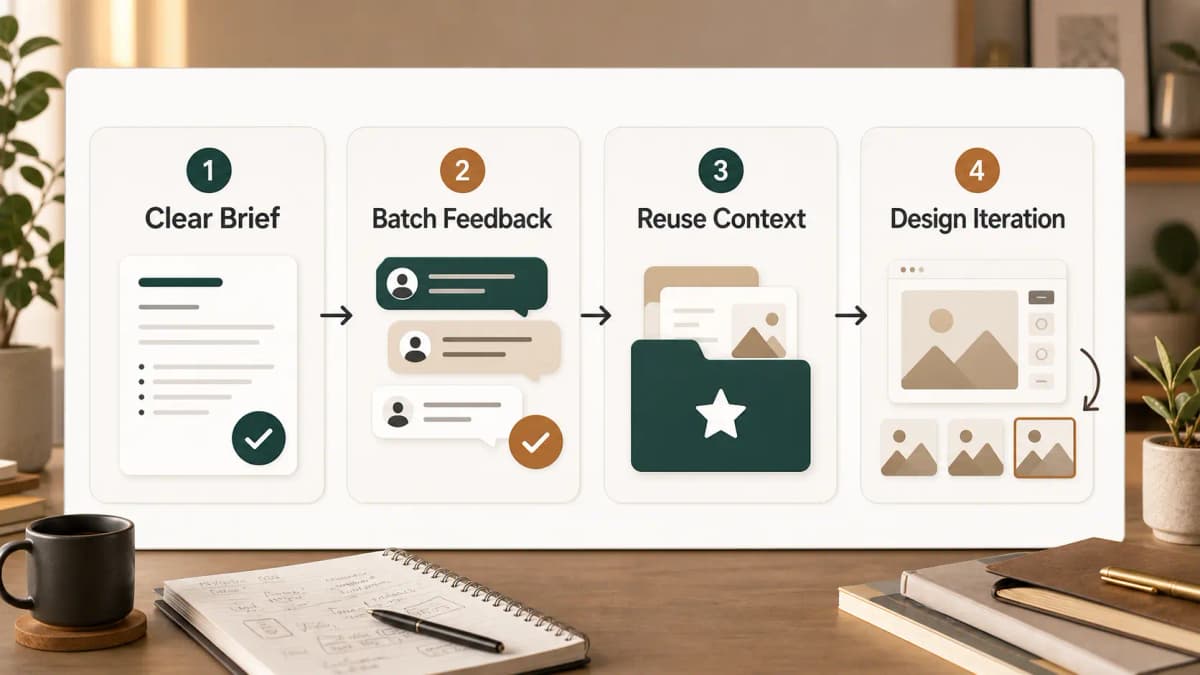
The fourth habit is to reuse context through projects when possible.
Anthropic says project content can be cached and count less when reused. For recurring brand or client work, it makes sense to keep brand guidelines, example pages, positioning notes, and product context inside a project rather than re-uploading or re-explaining everything each time.
My Practical Take
I like Claude Design as a product direction.
It is not only a toy for making pretty mockups. It can be useful for product managers, founders, marketers, developers, and designers who need to move from vague idea to visual direction quickly. The ability to create prototypes, refine through conversation, export, and hand work toward Claude Code makes it more practical than a standalone design generator.
But the usage model matters.
If you are on Pro or Max and Claude Design is part of your daily workflow, assume it uses the same subscription capacity as your other Claude work. If you need to design heavily and also use Claude for coding, writing, and research, plan the day around that shared limit.
That is the main takeaway from my usage: Claude Design is included with the plan, but it should be treated as plan usage, not a separate monthly design allowance.
FAQ
Does Claude Design have separate monthly usage?
Based on my usage and Anthropic's wording, I would not treat Claude Design as a separate monthly usage bucket. Anthropic says it is included with your plan and uses your subscription limits.
Is Claude Design free for paid Claude users?
It is included for eligible Claude Pro, Max, Team, and Enterprise subscribers, but included does not mean unlimited. It still uses plan limits.
Why does Claude Design use plan usage?
Claude Design uses Claude to create and refine visual work, often with artifacts, uploads, comments, and iterative changes. Anthropic's general usage guidance says artifact creation and usage can affect plan limits.
How should I avoid wasting Claude Design usage?
Start with a clear brief, batch feedback, use projects for repeated brand context, and use normal Claude chat for strategy before moving into visual design iterations.
Sources
Want this built for you instead of DIY?
I'm Karan — a Top Rated Plus Shopify Expert ($300K+ earned, 100% Job Success). If you'd rather hand this to someone who's done it hundreds of times, let's talk.
🛠️Generative AI Tools You Might Like
Tags
📬 Get notified about new tools & tutorials
No spam. Unsubscribe anytime.
Comments (0)
Leave a Comment
No comments yet. Be the first to share your thoughts!