Master Your Clock: Essential Time Management Strategies for Remote Developers
Boost your productivity and reclaim your work-life balance. Discover essential time management techniques specifically tailored for remote developers.
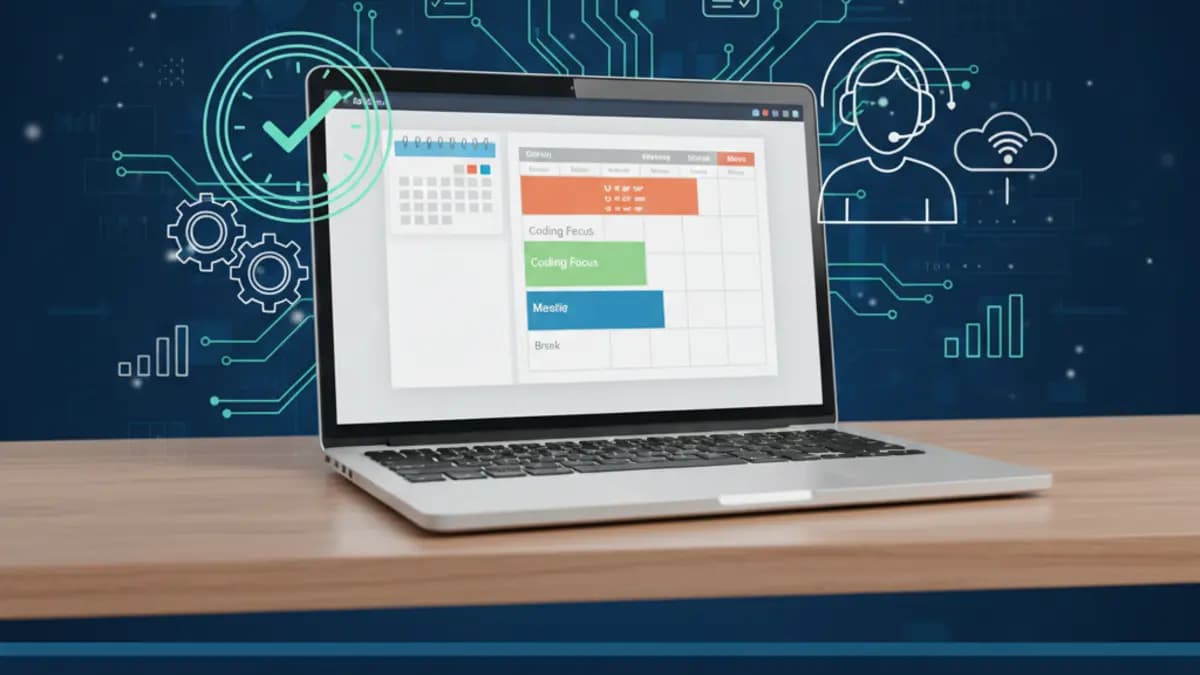
The Freedom and Challenge of Remote Development
Most time-management advice falls apart the second a client in another timezone pings you "quick question" at the exact hour you'd blocked for deep work. That's the part the productivity blogs skip. They assume your day is yours to schedule. Mine isn't, not fully. I'm based in Dubai and I work with clients across the US, Europe, and Australia, which means someone is always either starting their day or ending it while I'm mid-task.
I've run a Top Rated Plus practice on Upwork for years, and the thing that's kept projects on track isn't a fancy system. It's deciding, on purpose, what gets to interrupt me and what doesn't. The freedom of remote work is real. So is the trap. When nobody's enforcing your hours, you either build your own structure or your calendar gets eaten by whoever shouts loudest. Here's what actually holds up under client work.
Strategy 1: Deep Work, But Defended
Context switching wrecks developer output. Answer one Slack message mid-debugging and you've lost the mental model you spent twenty minutes loading. So yes, I schedule large uninterrupted blocks for the hard stuff. Cal Newport's "deep work" idea is sound.
But here's where I'll push back on the trend: rigid time-blocking is overrated, and I think a lot of developers cargo-cult it. The people selling you color-coded calendars where every 30 minutes is accounted for have clearly never had a client three timezones away discover a cart-breaking bug at 11pm their time. A schedule that detailed doesn't survive contact with real client work. It just generates guilt when reality blows it up by 10am.
What I do instead:
- Block the type of work, not the minute. I reserve a morning window for "thinking work" and an afternoon window for "comms and coordination." Inside those windows I stay flexible.
- Know your peak. I do my heaviest logic before my US clients wake up, because once their day starts, my morning belongs partly to them. Mornings are quiet, the inbox is still, that's when I write the checkout-validation logic or untangle a gnarly Liquid loop.
- Decide the task before the block starts. "Refactor the order-sync module" beats sitting down and wondering what to do. Removes the friction at the start, which is where most blocks die.
Strategy 2: Prioritize by What Breaks the Client
Not every task carries the same weight. A live store dropping orders beats refactoring an internal helper, every time. The Eisenhower Matrix is the usual framework here, urgent vs. important, four quadrants. It's fine as a mental model, though I rarely draw the actual grid. I just ask one question: if I ignore this for six hours, what happens?
- Production is bleeding right now. Cart bug, checkout failing, orders not syncing. Drop everything. This is the work clients remember you for.
- Important but not on fire. Learning Hydrogen for a headless build, writing tests, building the next feature. This is where most of my week should go, and it's the first thing that gets crowded out if I'm not deliberate.
- Loud but low-stakes. A non-blocking "can you also..." message, a meeting that could've been a Loom. I batch these. They don't get to interrupt a debugging session.
- Pure noise. Notifications, the urge to refresh something. Cut it.
The trap isn't laziness. It's letting urgent-looking messages shove the important work aside without you ever consciously making that call. A non-blocking question can almost always wait two hours. Most clients would rather get steady progress than an instant reply that came at the cost of the thing they actually hired you to finish. I get into this more in my post on communication skills for technical freelancers, because half of prioritization is really expectation-setting.
Strategy 3: Pomodoro, When the Task Is Dreary
Staring at code for four straight hours gives diminishing returns. For grindy work, bug hunts, writing documentation, tedious data migration, I'll use the Pomodoro thing: 25 minutes heads-down, 5 off, repeat, longer break after four rounds.
I don't use it religiously. When I'm genuinely in flow on something hard, a timer telling me to stop at minute 25 is the last thing I want. Pomodoro is a tool for tasks I'm avoiding, not for tasks I'm absorbed in. The two-minute version: when something feels like a slog and you keep drifting, a timer forces a start. When you're already locked in, ignore it.
Strategy 4: Boundaries Are Harder Across Timezones
The "always-on" problem hits remote devs hard, and it hits timezone-spanning devs harder. When your clients' workdays barely overlap with yours, there's a constant pull to be reachable at all hours so nobody waits 12 hours for a reply. That path leads straight to burnout, and burnt-out developers ship worse code.
What keeps me sane:
- A real workspace. A desk that means "working" and a couch that means "not." Physical separation does more for my focus than any app.
- Published hours, honestly communicated. I tell clients my working window up front and I'm clear about response times across timezones. "I'll see your message at the start of my day" sets a real expectation instead of a fake promise to always be there. This is also just part of running a sustainable practice, which I wrote about in building long-term client relationships as a freelance Shopify expert.
- A shutdown ritual. End of day, I jot what got done, what's blocked, and the first task for tomorrow. Then the laptop closes. The note is what lets me actually stop thinking about work.
How I Would Audit This
Remote developer time management is mostly expectation management. I plan deep work around the parts that need uninterrupted thought, and I reserve communication windows for reviews, client questions, and coordination.
- Split maker time and manager time.
- Batch client replies unless something is genuinely blocking.
- Write the next action before ending the day.
- Keep a visible queue of commitments.
- Protect launch-day focus from unrelated meetings.
Production Failure Modes
The bug isn't being busy. The bug is letting urgent-looking messages displace important work without a conscious tradeoff. Clients care about predictable progress more than instant reactions to every non-blocking thought.
- Starting many tasks and closing none.
- No written priorities for the week.
- Context switching mid-debugging.
- Late discovery of blockers because the hard tasks got postponed.
- Treating calendar availability as if it were actual capacity.
That last one bites people. An open calendar slot is not free capacity. It's the time you needed for the deep work you didn't schedule.
Copy/Paste Starting Point
A lot of my "system" is really just one habit: a daily closeout note. Costs two minutes, saves the next morning.
Daily closeout:
- Shipped: checkout validation bug fixed
- Blocked: waiting for app vendor on webhook payload
- Tomorrow: test refund edge cases and update client notes
- Risk: launch date depends on vendor response
A note like this makes tomorrow easier and doubles as a status update if priorities shift overnight, which, across timezones, they often do. When I can, I push the repetitive parts of this into automation rather than typing it fresh every day, something I covered in my practical guide to automating workflows with AI.
What I Would Ship First
If I were rebuilding my own setup from scratch, I'd start with a weekly planning system that protects deep work and makes blockers visible. Everything else is decoration on top of that.
- Plan the week by outcomes, not hours.
- Reserve debugging blocks before the calendar fills.
- Use written status notes.
- Keep one source of truth for tasks.
- Check estimates against actuals every Friday, so next week's plan isn't fiction.
FAQ
How do you handle clients in timezones that barely overlap with yours? I set the expectation early: there's a window where we're both online, and outside it, replies come at the start of my day. Async written updates do the heavy lifting. A clear closeout note often answers the question before the client even asks it.
Isn't strict time-blocking the gold standard for focus? For focus, blocking the kind of work helps. Blocking every 30-minute slot doesn't, at least not when client emergencies are part of the job. Build in slack, or your plan breaks before lunch.
What's the one habit you'd keep if you dropped everything else? The end-of-day closeout note. It protects tomorrow's first hour and keeps clients informed without an extra meeting.
Want this built for you instead of DIY?
I'm Karan — a Top Rated Plus Shopify Expert ($300K+ earned, 100% Job Success). If you'd rather hand this to someone who's done it hundreds of times, let's talk.
🛠️Web Development Tools You Might Like
Tags
📬 Get notified about new tools & tutorials
No spam. Unsubscribe anytime.
Comments (0)
Leave a Comment
No comments yet. Be the first to share your thoughts!