We Put Claude Code in Rollercoaster Tycoon: AI Meets Theme Park Management
What happens when you give an AI agent control of a theme park? We tested Claude Code's capabilities in Rollercoaster Tycoon with surprising results.
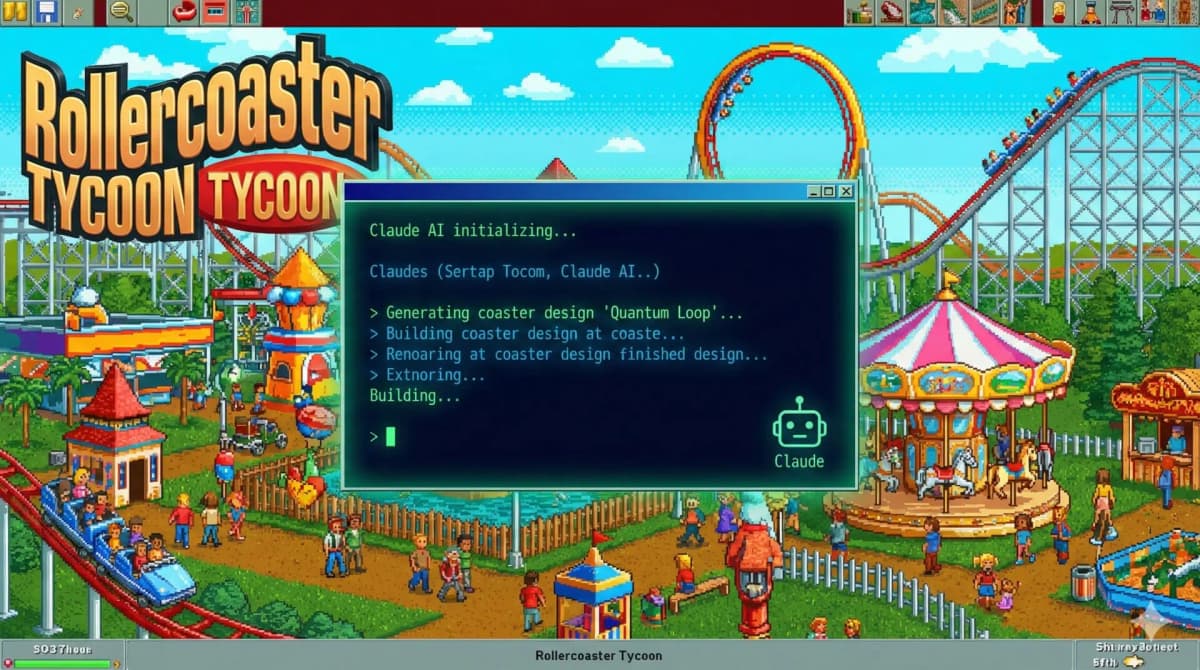
Introduction
I handed Claude Code the keys to a theme park and walked away. No human input once the game started. The question I actually wanted answered wasn't "can an AI play Rollercoaster Tycoon" — it was whether an agent could look at a messy, unfamiliar interface, figure out what mattered, and make a string of decent decisions without me babysitting it. RCT is a brutal little test for that. It punished my own teenage mistakes for decades.
So I gave it the park and watched. Some of what happened was funny. Some of it made me rethink how I scope agent work in my own projects.
What is Claude Code?
Claude Code is the agent I spend most of my working day with. It's built on Anthropic's Claude 3.5 Sonnet, aimed at software work, but the part that matters for this experiment is what it can reach out and touch:
- Drive browser interfaces through Chrome DevTools and Playwright
- Read screenshots and visual content
- Run commands and write code
- Decide what to do next based on what it just saw
- Carry context forward and shift strategy as it goes
That last cluster is the whole game. A model that can see a screen and act on it can, in theory, play anything that comes down to looking and clicking.
The Experiment Setup
I launched Rollercoaster Tycoon in a browser and pointed Claude Code's automation tools at it. From there the agent could:
- Take screenshots to see the park's current state
- Click UI elements to build rides and facilities
- Read the metrics that matter — park rating, guest satisfaction, finances
- Decide on layout and pricing
The brief was one sentence: build a profitable park with happy guests. After that, hands off.
Early Challenges: Understanding the Interface
The first wall was the UI itself. RCT buries everything in nested menus and tiny icons, and Claude Code had never seen any of it. Working from snapshots and screenshots, it had to:
- Spot the clickable elements and guess what each one did
- Work out how the panels related to each other
- Learn what the game's visual feedback was telling it
- Read guest behavior off the sprites
I expected this to be where it stalled. It didn't. By reading accessibility snapshots of the interface, it found the buttons for building rides, hiring staff, and managing money — none of which I'd hardcoded. Nobody told it where the "build a coaster" button lived. It went and found it.
Strategic Decision Making
Navigating the menus was the easy part. The real question was whether it would make decisions a half-competent park manager would make.
Financial Management
It played cautious with money, which honestly surprised me. It:
- Opened with small, cheap attractions
- Watched cash flow before committing to anything big
- Tuned ride prices against satisfaction
- Stayed off loans unless it had no other option
That kept the park solvent. It also meant it left some aggressive expansion on the table. A conservative agent, basically.
Park Layout Optimization
The spatial reasoning is where it earned my respect:
- Dropped food stalls right where guests came off rides hungry
- Laid out paths that didn't bottleneck
- Spread bathrooms across the park instead of clustering them
- Grouped similar rides into themed pockets
None of that was scripted. It read guest movement and satisfaction feedback and worked out the patterns on its own. This is the same instinct that makes agents useful for practical workflow automation — give it a goal and a way to see results, and it'll reverse-engineer the rules.
Ride Selection Strategy
Its taste in rides matured as the park did:
- Started gentle to pull in families
- Added thrill rides once it had a base
- Mixed things up to cover different guest types
- Favored rides with strong satisfaction-to-cost ratios
Unexpected AI Behaviors
The interesting stuff was never the planned stuff. It was the moves I didn't see coming.
Problem-Solving Creativity
Guests started griping about wait times. I assumed it would just slap down more rides. Instead it:
- Put entertainers near the queues
- Added benches and scenery so waiting hurt less
- Built alternative attractions to pull the crowds apart
That's not pattern-matching "complaint → build ride." It read the actual problem and attacked it from three sides.
Learning from Mistakes
Early on it built a coaster way too intense and started making guests sick. It didn't panic-delete it, which is what I'd have done. It:
- Read the guest feedback
- Dialed back the intensity
- Dropped bathrooms and first aid nearby
- Repriced the ride for what it had become
It treated a bad build as something to fix rather than something to erase. That's a more mature loop than trial-and-error.
Resource Prioritization
When money got tight, it made the calls a lot of human players flinch at:
- Shelved the cosmetic stuff
- Put maintenance first so rides didn't break down
- Trimmed staff where it was overstaffed
- Pointed marketing at the park's best attractions
Cold, correct triage.
Technical Insights for Developers
Stripping the game away, here's what stuck with me.
Visual Understanding is Critical
Everything hinged on reading the screen — graphics, UI, guest behavior, all of it from screenshots. If you're building an agent for anything with a real interface, the vision has to actually work. There's no decision layer worth anything sitting on top of bad perception.
Context Matters
It got noticeably better once I told it what RCT was actually about. Same model, same tools, sharper results — the difference was a clear goal. I see this constantly: a vague brief gets you a vague agent. Spell out what winning looks like and outcomes jump.
Autonomous Decision Loops
I ran it on a simple loop:
- Snapshot the current state
- Read the metrics and spot problems
- Decide
- Act
- Wait for results
- Go again
That loop isn't a gaming trick. It's the same shape behind most of the agent and RAG patterns worth knowing — sense, reason, act, observe, repeat.
Business Applications
Games are a fun sandbox, but the loop transfers.
E-commerce Management
The same thing that ran my park could:
- Optimize product placement on a store
- Move pricing with customer behavior
- Find and fix UX problems
- Manage inventory and supplier relationships
Quality Assurance Testing
An agent that navigates interfaces and notices what's broken is a natural fit for:
- Automated UI testing
- User-flow validation
- Performance monitoring
- Bug detection and reporting
Process Automation
Any process built on a visual interface and a few decision points is in range:
- Data entry and validation
- Report generation and analysis
- Customer service workflows
- Admin tasks
If you want this to run reliably and not just impressively, the wiring matters as much as the model. The MCP servers I keep in my own setup are what turn a clever demo into something that holds up day to day.
Limitations and Challenges
It wasn't all clean wins.
Speed Constraints
It's slower than a human. Every move meant analyze the screenshot, reason, then act. In anything time-sensitive, that lag bites.
Complex Scenarios
Pile up problems at once — low funds plus complaints plus a ride breakdown — and it sometimes fumbled the priority order. One fire at a time, fine. Three, and it wobbled.
Creative Limitations
The parks worked. They weren't beautiful. Every layout was logical and a little soulless. The flair a human brings just wasn't there.
The Future of AI Agents
This wasn't a glimpse of something five years out. It already does useful work today. What I expect to sharpen:
- Faster decisions, less latency
- Better handling of messy multi-variable situations
- More creative problem-solving
- Tighter integration with the tools we already use
The agents aren't coming. They're already on the clock.
Conclusion
Dropping Claude Code into Rollercoaster Tycoon wasn't just a way to kill an afternoon. It showed me an agent can navigate an interface it's never seen, make a chain of strategic calls, and adapt when things go sideways.
For Shopify devs and store owners, that's the takeaway worth sitting with. The same machinery that ran a virtual park can optimize a real store, automate your testing, and clean up your customer experience.
None of this is about replacing people. It's about handing off the routine decisions, the data-crunching, and the repetitive execution to something that does them consistently — so you spend your attention on the parts that actually need a human.
The tech's ready. The only open question is whether you are.
Key Takeaways
Want this built for you instead of DIY?
I'm Karan — a Top Rated Plus Shopify Expert ($300K+ earned, 100% Job Success). If you'd rather hand this to someone who's done it hundreds of times, let's talk.
🛠️Generative AI Tools You Might Like
Tags
📬 Get notified about new tools & tutorials
No spam. Unsubscribe anytime.
Comments (0)
Leave a Comment
No comments yet. Be the first to share your thoughts!