AI Development: How Replacing Developers With AI is Going Horribly Wrong
Companies are rushing to replace engineers with AI, only to face unmaintainable codebases and security nightmares. Here's why AI is a force multiplier, not a replacement.

The "90% Done" Illusion
The biggest trap in AI development is the speed of the first draft. You ask an LLM to "Build a Next.js dashboard with a Stripe integration," and 30 seconds later, you have code. It looks perfect. The components render. The UI is clean.
Management sees this and thinks the project is 90% complete. In reality, it is maybe 10% complete.
AI creates code that works in isolation (the "happy path") but often fails spectacularly in the real world. It rarely accounts for:
- Edge cases: What happens when the API rate limit is hit?
- State management: How does this react hook interact with the global store during a hydration error?
- Security: Is that webhook verification actually validating the signature, or just checking if the header exists?
When you replace developers with AI, you don't get a finished product faster. You get a prototype that falls apart the moment real users touch it, requiring expensive seniors to come in and untangle the mess.
Spaghetti Code at Warp Speed
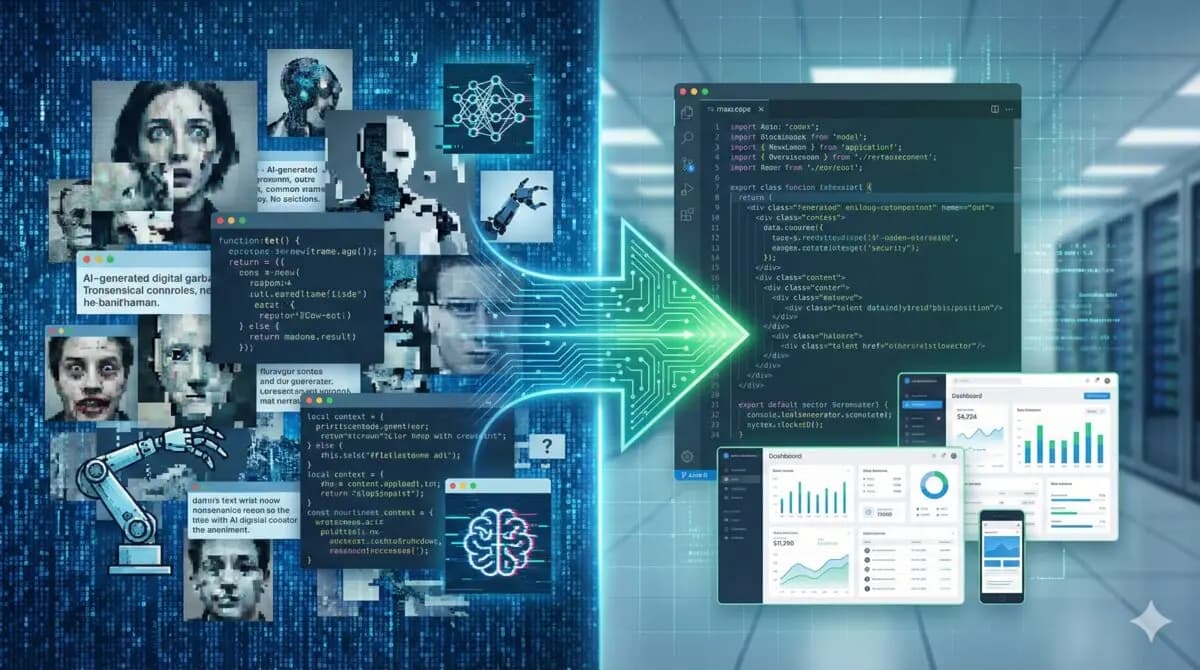
Junior developers sometimes write spaghetti code—code that is tangled, hard to follow, and difficult to maintain. AI writes spaghetti code, too, but it does it at the speed of light.
I recently audited a codebase for a startup that tried to build their MVP exclusively with AI prompts. The result was terrifying. Every file used a slightly different pattern. Some components used Tailwind, others used CSS modules. The database schema had circular dependencies that made scaling impossible.
Because an AI lacks a holistic memory of the entire project's architectural constraints over time (despite growing context windows), it solves problem A without realizing it just broke constraint B.
The "Senior Engineer" Gap
The hardest part of coding isn't syntax; it's decision-making.
- "Should we use a relational database or NoSQL for this specific data shape?"
- "Is this third-party library maintained, or will it break our build in six months?"
- "How do we handle idempotency in our payment webhooks?"
LLMs are terrible at these architectural decisions because they are trained on the average of the internet. They will suggest the most popular solution, not necessarily the correct one for your specific constraints. Without a skilled human engineer to validate these choices, you are building a skyscraper on a foundation of sand.
The Security Minefield
Perhaps the most dangerous aspect of replacing developers is security. AI will happily hallucinate secure-looking code that is actually vulnerable.
I’ve seen AI generate SQL queries open to injection, React components vulnerable to XSS, and authentication flows that bypass standard checks—all while commenting the code as "Secure implementation."
A non-technical founder or a junior dev relying entirely on AI won't spot these vulnerabilities until data is breached.
The Correct Approach: Augmentation, Not Replacement
Does this mean we shouldn't use AI? Absolutely not. I use AI to:
- Scaffold boilerplate: Generating types, basic CRUD endpoints, and unit tests.
- Explain legacy code: "What is this specific regex doing?"
- Debug: "Here is the error trace, what are the likely causes?"
This is AI-Augmented Development. It allows one senior engineer to do the work of three. It increases use, not headcount reduction.
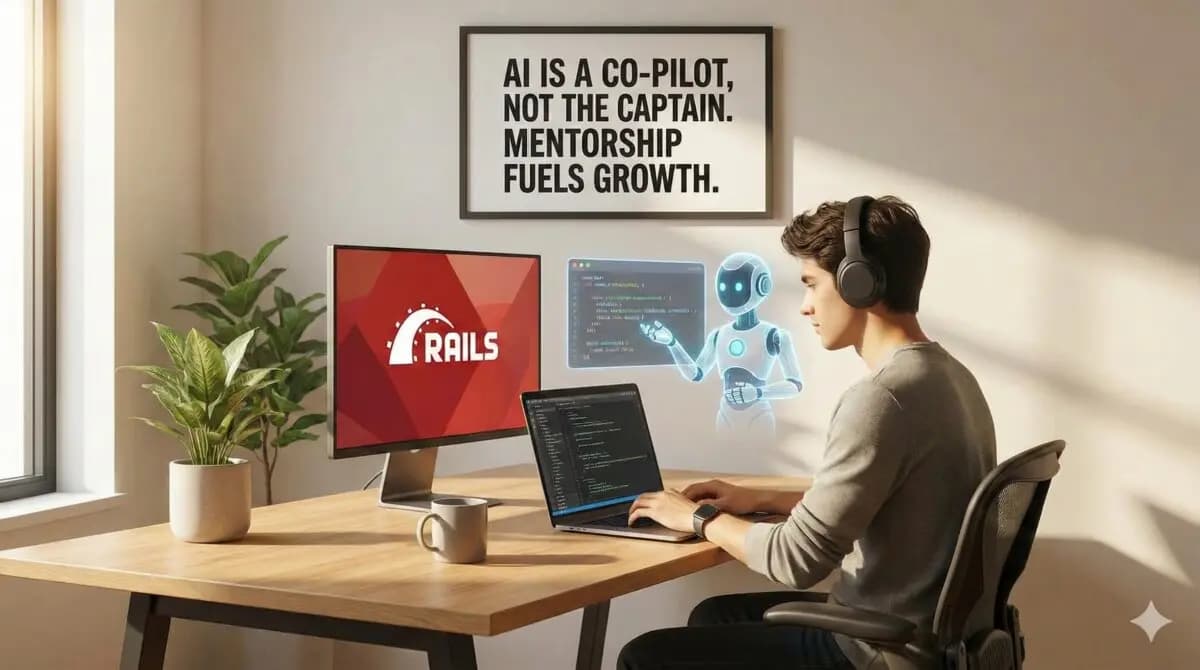
The companies winning right now aren't the ones firing their dev teams. They are the ones equipping their best engineers with the best AI tools, allowing them to focus on high-level architecture and user experience while the AI handles the rote typing.
Conclusion
How I Would Audit This
The mistake is framing AI as a developer replacement instead of a force multiplier with failure modes. I use AI heavily, but I do not let it own requirements, security assumptions, production rollouts, or client communication.
- Define the task before prompting.
- Keep architecture decisions human-owned.
- Ask for tests and edge cases, not only implementation.
- Review generated code for dependencies and data handling.
- Run the code in the real project before trusting it.
Production Failure Modes
AI-generated bugs often look plausible. That is what makes them expensive. A junior developer may ask questions; an AI answer can quietly invent an API, skip an edge case, or produce code that passes a narrow demo and fails in production.
- Generated code uses a nonexistent method.
- Security or privacy assumptions are never checked.
- No tests for messy data.
- The solution adds unnecessary abstraction.
- The developer cannot explain the code they accepted.
Copy/Paste Starting Point
Prompt I prefer:
Here is the failing behavior, the expected behavior, and the existing file.
Make the smallest change.
Add or update a test.
Explain what edge case remains uncovered.
This prompt constrains the work. It asks AI to behave like a focused contributor instead of a free-running architect.
What I Would Ship First
I would ship AI into the development workflow where review is strongest: tests, migrations, fixtures, small bug fixes, and documentation drafts.
- Use small diffs.
- Require tests.
- Review dependencies.
- Keep production credentials out of prompts.
- Explain accepted code before merging.
My practical AI read
For AI topics, I would separate what is confirmed, what is likely, and what still needs human review. AI Development: How Replacing Developers With AI is Going Horribly Wrong should not ask the reader to trust hype; it should show how to evaluate the workflow safely.
I would not leave this as theory. I would apply it to one actual page, integration, bug, or client decision and keep the evidence beside the recommendation.
Model-output review checks
- Use primary sources for factual claims.
- Keep AI-generated output behind human review where risk exists.
- Log prompts or decisions when the workflow affects customers.
- Avoid sending data the task does not require.
- Measure whether AI made the workflow safer or only faster.
AI workflow traps
- The article treats a demo as production proof.
- The workflow hides data and review assumptions.
- The model output is trusted without validation.
- The post predicts too much and teaches too little.
AI workflow check block
AI review checklist for AI Development: How Replacing Developers With AI is Going Horribly Wrong:
- Separate confirmed facts from prediction.
- Name the data source.
- Describe the failure mode.
- Keep a human review step.
- Measure the workflow after shipping.
A short review block like this is often enough to catch the gap between a nice idea and a safe production change.
Next human-review step
I would keep improving this page by replacing any remaining abstraction with artifacts from actual work: test output, screenshots, metrics, source references, or before/after notes.
Want this built for you instead of DIY?
I'm Karan — a Top Rated Plus Shopify Expert ($300K+ earned, 100% Job Success). If you'd rather hand this to someone who's done it hundreds of times, let's talk.
🛠️Generative AI Tools You Might Like
Tags
📬 Get notified about new tools & tutorials
No spam. Unsubscribe anytime.
Comments (0)
Leave a Comment
No comments yet. Be the first to share your thoughts!