Shopify Cart Abandonment Recovery: 10 Strategies That Actually Work
70% of carts are abandoned before checkout. Here are 10 proven recovery strategies — from email sequences to SMS, retargeting, and checkout optimization — that recover 5-15% of lost revenue.
Why Shoppers Abandon Carts
Most store owners blame price. They're wrong. The single biggest cart killer is the moment the shipping cost shows up at checkout when it wasn't visible before. Somebody added a $40 product expecting to pay $40, then sees $48.95 on the payment screen and bails. Not because $8.95 is unaffordable, but because it felt like a bait and switch.
I've pulled the abandoned checkout reports on enough Shopify stores to know the pattern is consistent. Roughly half of all abandonment traces back to surprise costs revealed too late. The rest splits between forced account creation, a checkout that's too long, no trust signals, and plain old "just browsing." Baymard's research lands in the same place, and so does every store I've audited.
Here's how it usually breaks down:
- Extra costs revealed at checkout — shipping, taxes, fees that weren't shown earlier. This is the big one, close to half of abandonments.
- Forced account creation — "create an account to continue" sends a chunk of shoppers straight out the door.
- Checkout is too long or confusing — every extra field bleeds conversions.
- Couldn't see the total upfront — surprise math destroys trust.
- Didn't trust the site — no reviews, no clear return policy, nothing reassuring.
- Errors and crashes — usually on mobile, usually theme bloat.
The takeaway: most abandonment isn't a pricing problem, it's a friction and trust problem. Fix the friction first, then chase the people who left. If your checkout itself is leaking, recovery emails are a band-aid on a broken leg — I wrote about fixing the source in ecommerce checkout best practices.
1. Email Recovery Sequences (start here)
Email is still the highest-ROI recovery channel I've deployed, and it's not close. A tight 3-email sequence pulls back a meaningful slice of abandoned revenue on most stores I've set up — the commonly cited range is 5-10% of abandoned carts, and that matches what I see when the timing and copy are right.
The sequence I build:
Email 1, about an hour after abandonment. Plain reminder. "You left something behind," cart contents with images, link back to the cart. No discount. A lot of these people just got distracted by a phone call or a screaming kid, and they'll come back for free.
Email 2, around 24 hours. Now you handle objections. Reviews, shipping timeline, return policy. Light urgency: "your cart's saved, but stock moves." Don't fake scarcity you don't have — people can smell it.
Email 3, 48 to 72 hours. This is the one where an incentive earns its place. Free shipping or a modest discount, with a real deadline. Last touch, make it count.
For tooling, Shopify's built-in abandoned checkout emails work fine to start. When a client wants real flow control, I move them to Klaviyo or Omnisend. Klaviyo's the one I reach for most because the segmentation and flow logic actually hold up at scale. If you want the full build, I covered flow structure in my email marketing automation guide.
2. Exit-Intent Popups
Catch them before they're gone. On desktop, exit-intent fires when the cursor lunges toward the close button. On mobile there's no real "exit intent," so it triggers on idle time or scroll-up — be honest with yourself about that, because half the mobile exit-intent apps are basically just timed popups wearing a costume.
What's worked for me:
- A small offer (5-10%) in exchange for the email, so even a non-buyer becomes a recoverable lead.
- Email field only. Don't ask for name and phone. Every field you add cuts the submit rate.
- A genuine countdown if the offer is genuinely time-limited.
What I've watched fail:
- "Don't leave!" with no reason to stay.
- Popups that fire before the person has seen a single product.
- Full-screen takeovers on mobile. Google docks you for those, and they annoy people.
3. Show the Real Price Early
This is the highest-leverage fix on the list, and most stores ignore it because it feels scary. If shipping is killing your conversion rate, stop hiding it.
- Show estimated shipping on the product page, not just at checkout.
- Add a free-shipping threshold bar: "you're $23 away from free shipping." It both reduces sticker shock and lifts average order value.
- Estimate tax by location before the payment step where you can.
- Seriously consider baking shipping into the product price and just saying "free shipping."
Run the math before you dismiss that last one. Say your average shipping is $8 and your AOV is $60. Building shipping in is roughly a 13% price bump. But "free shipping" tends to convert noticeably better, and the customer never hits that gut-punch moment at checkout. On most stores I've tested it, the free-shipping framing wins even after the price increase.
4. Cut the Checkout Down
Every needless field is costing you money. Go through your own checkout on your phone right now and count the taps.
- Turn on guest checkout. Settings → Checkout → Customer accounts → don't require. Forced accounts are pure abandonment fuel.
- Enable Shop Pay. For returning Shopify shoppers it auto-fills everything and one-taps the order.
- Turn on Apple Pay and Google Pay for mobile.
- Kill the "Company" field unless you're actually B2B.
- Auto-fill city and state from the postal code.
- Single address line with autocomplete beats four separate boxes.
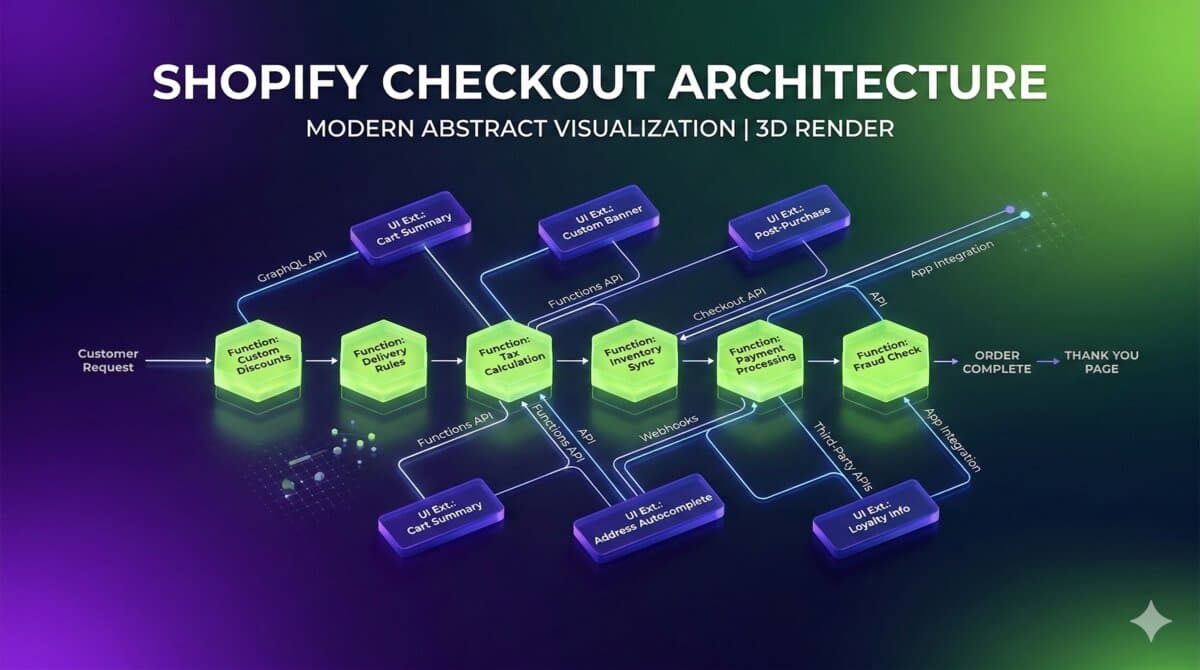
On Shopify Plus you can rebuild checkout with Checkout Extensibility, and consolidating a multi-step flow into something tighter consistently moves the needle — I've seen low-double-digit conversion lifts from that alone. The deeper checkout teardown lives in my checkout best practices post.
5. SMS Recovery
SMS open rates sit near 98% versus roughly 20% for email. The message gets seen — that's the whole pitch. But seen isn't bought, so treat SMS as a sharp tool, not a hammer.
- First text around 30 minutes after abandonment. Faster than email on purpose.
- Keep it human and short: "Hey [Name], you left [Product] in your cart — finish up here: [link]."
- Use Shopify's auto-generated cart recovery link so the cart rebuilds on tap.
- Cap it at two messages. Three is where you start getting unsubscribes and complaints.
- Always include opt-out, and only text inside reasonable hours, local time.
Tooling I've used: Postscript, Attentive, SMSBump. Postscript plays nicest with Shopify and pairs well alongside Klaviyo if you're running both channels.
6. Retargeting Ads
For the people who never gave you an email, ads are your second shot. They already showed intent, so you're staying visible, not cold-pitching.
- Days 1-3: the exact products they viewed or added, via dynamic product ads.
- Days 4-7: layer in proof — reviews, UGC, bestseller framing.
- Days 7-14: introduce a small incentive to close.
- Day 14+: stop. If they haven't moved by now, you're paying to annoy someone.
Meta and Google carry most of the weight here. TikTok is worth testing for younger audiences. Start small, $10-20 a day, and watch ROAS before scaling. Retargeting is usually among the most efficient spend on the account because the audience is already warm. If you want the broader funnel view, I tie this together in my CRO guide for online stores.
7. Trust at the Checkout
The payment screen is where buyer anxiety peaks. This is where trust signals pay rent.
- A valid SSL cert. Obvious, but check it hasn't lapsed.
- Payment logos: Visa, Mastercard, PayPal, Shop Pay.
- A money-back or guarantee badge.
- The "secure checkout" lock.
- A one-line return policy summary.
- A real review snippet, not a fake one.
- Visible contact info — phone or chat.
A small "why buy from us" block near the pay button helps too. Three bullets: fast shipping, easy returns, your star rating. It looks too simple to matter. It matters.
8. Cart Persistence Across Devices
Someone browses on their phone at lunch, gets pulled away, opens the laptop at night. If the cart's empty when they come back, you lost a buyer who was ready.
- Customer accounts with cart sync.
- Shop Pay saves the cart across devices for logged-in shoppers automatically.
- Email recovery links rebuild the cart on whatever device they open it on.
- Local-storage backup for guests so a returning browser session isn't blank.
9. Live Chat and Chatbots
Some people abandon over one unanswered question. Sizing, shipping time, "does this ship to me." A chat widget catches the on-the-fence ones.
- Proactive trigger: if someone's parked on checkout for 60+ seconds, offer help.
- Canned answers for the usual questions so responses are instant.
- Hand off to a human during business hours.
- After hours, collect the email and promise a reply.
Tools: Shopify Inbox is free and fine to start. Gorgias is Shopify-native and better if support volume is real. Tidio's solid too.
10. Don't Discount Everyone the Same — and a Warning
Not every cart deserves a discount. Tier it by cart value and customer history:
- Under $50: free shipping offer only.
- $50-$150: a modest percentage off.
- $150+: slightly more, plus free shipping.
- Returning customer who bounced: a personal note from support, no code needed.
- High lifetime-value customer: have an actual human reach out.
Now the warning, because this is the tactic that quietly wrecks stores. If your recovery sequence reliably ends with a discount, your customers learn it. They start abandoning on purpose. They add to cart, walk away, and wait for the 15% email they know is coming. You've trained your best buyers to never pay full price, and you've handed margin to people who were going to convert anyway.
I've cleaned up stores where the "recovery program" was just a coupon machine bleeding 15% off orders that would've closed without it. The fix: lead with reminders and friction removal, hold the discount for email three, and never make it predictable. A discount should rescue a sale, not subsidize one you already had.
Measuring It
Watch these weekly:
- Abandonment rate. Most stores sit in the 65-75% range. Under 65% is a good target.
- Recovery rate. Share of abandoned carts that convert after your efforts. 5-15% is a realistic band.
- Revenue recovered. The actual dollars, by channel.
- Time to recovery. How fast recovered carts close — tells you whether your timing is right.
In Shopify, Analytics → Reports → "Abandoned checkouts" gives you the baseline. Pair it with your email platform's analytics for the full funnel.
The Bottom Line
Abandonment never hits zero. Some people are comparison shopping or saving for later, and that's fine. But the gap between where your recovery rate sits now and where it could be is almost always bigger than you'd guess.
Start with the three that move the most: email sequences, honest pricing, and a shorter checkout. Those alone recover real money. Then stack SMS, retargeting, and trust work on top — each channel makes the others a little better.
The stores that win at this aren't the ones with the fattest discount. They're the ones that removed the most friction.
Leaking carts on your Shopify store? I've helped a lot of merchants tighten up checkout and recovery flows, and the first thing I do is read the abandoned checkout report, not guess. [Get in touch](mailto:[email protected]) and let's plug the leaks.
How can I recover abandoned carts and reduce Shopify cart abandonment?
Start with email recovery sequences — a 3-email flow over the first 48-72 hours typically pulls back 5-10% of abandoned carts when the timing and copy are right. But recovery emails only paper over the real problem if your checkout is the thing causing abandonment, so fix that in parallel: show shipping costs early instead of at the payment screen, enable guest checkout and Shop Pay, and trim every field you don't need. Add SMS and retargeting once the basics are solid, and hold discounts for the final touch so you don't train customers to abandon on purpose.
How I'd Review This in a Real Store
When I audit this on a client store, I don't start with strategy. I start with the abandoned checkout report and the actual checkout flow on a real phone. Every item on this list only matters once you can tie it to something concrete — a theme setting, an app config, an email flow, a checkout rule — that you can change and then measure.
Things I check before changing anything:
- Which surface am I actually touching: theme, app, checkout settings, or Admin API job.
- Test with messy catalog data, not the demo product — items with missing images, long variant names, weird prices.
- Confirm the change shows up in server-rendered HTML where it matters for SEO and AEO.
- Keep a rollback path for every app or theme change.
- Leave the merchant a note on what's safe to edit.
A discount sequence and a checkout edit can both "look done" while quietly hurting you — a recovery flow that over-discounts, a checkout tweak that's clean on desktop and broken on mobile. The point of recovery work isn't to send more emails. It's to find where buyers fall through and close the gap with the smallest change that holds up in production.
Want this built for you instead of DIY?
I'm Karan — a Top Rated Plus Shopify Expert ($300K+ earned, 100% Job Success). If you'd rather hand this to someone who's done it hundreds of times, let's talk.
Tags
📬 Get notified about new tools & tutorials
No spam. Unsubscribe anytime.
Comments (0)
Leave a Comment
No comments yet. Be the first to share your thoughts!